




Set up a Direct Company Card Feed Connection
Set up a Direct Company Card Feed Connection
Setting up a direct company card feed connection allows you to automatically import card transactions into Expensify.
You can connect company cards using a direct connection with your bank, or through Plaid, depending on your bank and country.
Who can set up a direct company card feed connection
Any Workspace Admin can set up a direct company card feed connection.
- On the Collect plan, you can add one company card feed.
- On the Control plan, you can add unlimited company card feeds.
Learn about the different plan types available in Expensify.
How to set up a direct company card feed connection
- Click the navigation tabs (on the left on web, on the bottom on mobile) and select Workspaces > [Workspace name].
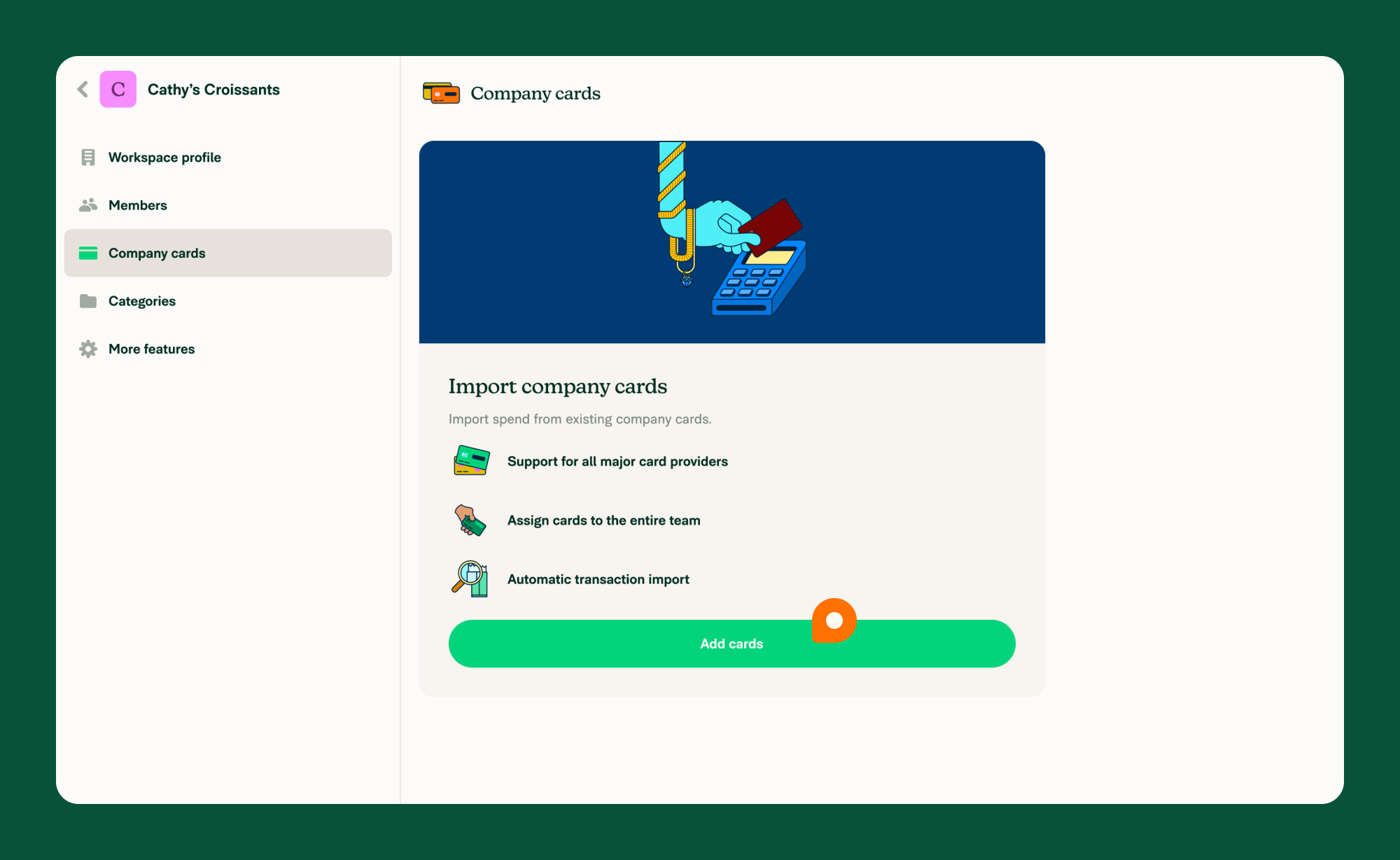
- Choose Company cards to view your company’s card setup page.
- If you don’t see Company cards, enable the feature under More features > Company cards.
- Click Add cards to set up your first connection.
- If you don’t see Add cards, click on your existing company card feed connection then Add cards.
- Select the country your bank is located in and select Next.
- Choose Direct feed and select Next.
- Choose your bank from the list, or select Other to see additional banks supported by Plaid.
What happens after you set up a direct company card feed connection
- Cards with recent expenses will appear as a list and can be assigned to Workspace members.
- After a card is assigned, posted transactions import into the assigned member’s account automatically as expenses.
Learn how to assign company cards.
What bank requirements affect company card connections
Some banks have specific requirements for successful connections:
- Chase: Password must be 8–32 characters
- Wells Fargo: Password must be under 14 characters
- SVB: Enable Direct Connect and use a Direct Connect PIN instead of your online banking password
FAQ
How do I fix a broken company card feed connection?
If your company card feed is broken, you can fix it from the Time Sensitive section on Home. Click Fix to restore the connection. Learn how to fix a broken company card feed connection.
Can I connect the same company card account across different workspaces?
Yes, direct company card feeds can be shared across workspaces. Learn how to add an existing company card feed connection to a workspace.
Can I import debit card transactions?
Yes, debit card transactions can be imported by following the same steps for setting up a direct company card feed connection.
This is especially helpful in the EU, where open banking rules often block access to credit card data via aggregators. Debit cards are fully supported under these regulations.
How can I check if my bank is supported?
Below are examples of banks that support direct company card feeds. This is not a complete list:
- American Express
- Bank of America
- Brex
- Capital One
- Chase
- Citibank
- Stripe
- Wells Fargo
- Plaid enables connections with hundreds of additional banks across the U.S., Canada, and Europe. Check the Plaid coverage page for US/Canada or Plaid coverage page for UK/Europe to see if your bank is supported.


